Autonomous Underwater Object Retrieval

A ROS 2 autonomy stack for the BlueROV2 platform enabling autonomous detection, navigation, and grasping of underwater objects using Python. The package contains a custom ROS -> MAVLink bridge enabling full 6-dof control of the ROV via ROS 2 Kilted. Object detection is achieved through OpenCV or YOLO depending on the object being captured and utilizes PID control for thruster commands and failure recovery logic.
System Architecture

ROS 2 Package Architecture
- bluerov_control: Package for the image pipeline, object detection with either YOLO or OpenCV, control, and bridge nodes.
- bluerov_heading: Package for heading stabilization during the SEARCHING phase, integrates with the control node from bluerov_control
MAVROS Bridge
The BlueROV uses a Pixhawk autopilot running on Ardusub and thus cannot be directly communicated with using standard ROS2 topics. To allow for effective communication and control I implimented a node for converting Twist messages to MAVLINK messages. The bridge node publishes /mavros/command/send messages at a set frequency. When not being given velocity commands via teleop or the controller, the ROV is commanded to maintain a neutral position. The bridge node also controls other aspects of the ROV, such as the lights, Newton Undersea gripper, and USB camera pitch by publishing mavors/rc/override messages. The timer callbacks are implimented such that adding services for additional functionality is quite simple if you know the servo number that maps to that specific function.
Hardware
BlueROV2
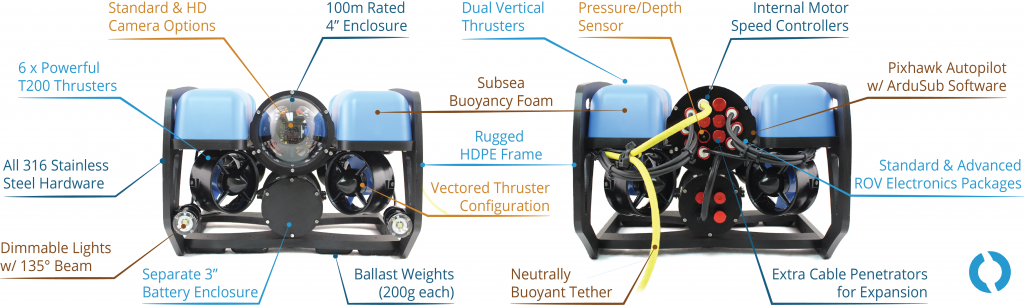
BlueROV2
Newton Gripper
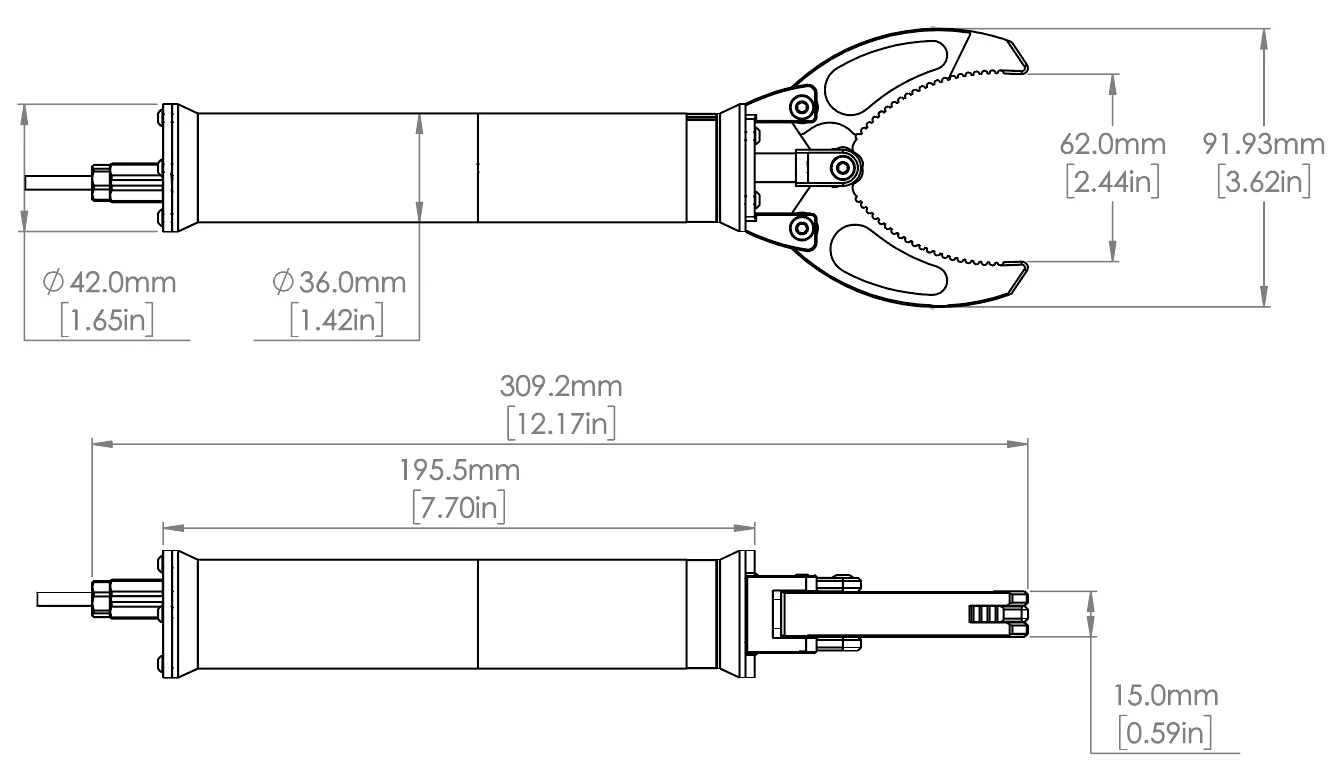
BlueRobotics Newton Gripper
USB Low Light Camera
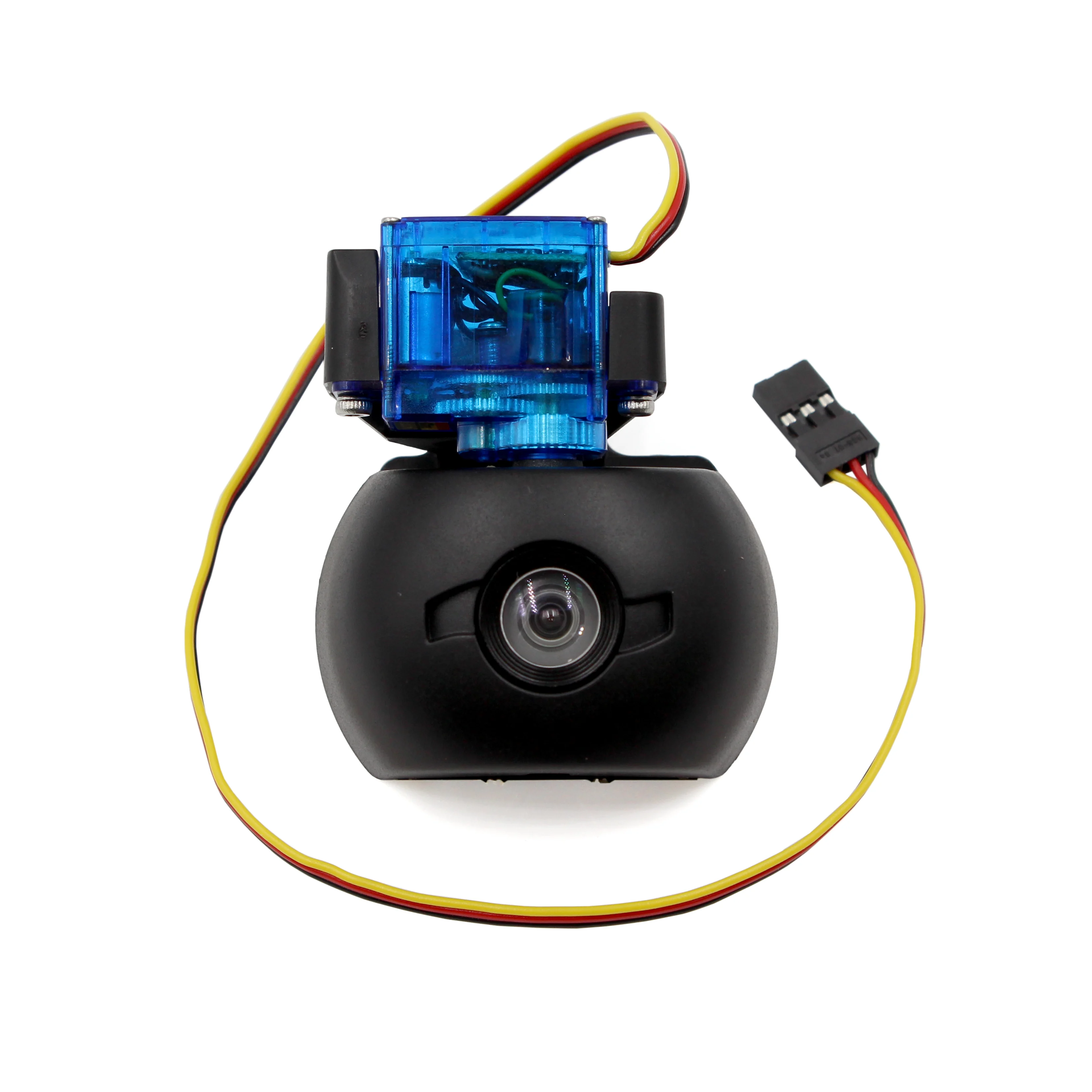
BlueRobotics LowLight USB Camera and Tilt System
Computer Vision
The vision stack operates as a two node ROS 2 pipeline that turns the BlueROV2’s UDP MJPEG stream into stable targets for easy use by the control node. The GStreamer pipeline recieved the ROV’s video on a UDP port, converts frames to OpenCV BGR, re-encodes them as JPEG, and publishes them as a CompressedImage. Compressing the images is crucial to maintain a solid frame rate.
OpenCV
Once the compressed images are recieved by the object_detection node, they are decoded to BGR and segmented using HSV color thresholds. The node finds contours, selecting the largest, and computes the following: Normalized image-center errors for x and y, a normalized size metric used for determining distance given the lack of depth sensing from the camera, a circularity score based on the hull to ensure rejection of spurious shapes, a detected flag that is set to true if the same shape is detected for more than N frames. These metrics are published on a custom Object msg type to the control node.
OpenCV detection was used for autonomous retrieval of a diving ring.
YOLO
Compressed images are recieved by the yolo_detection node, converted to a numpy array, and decoded into an OpenCV image. The image is run through a custom YOLO model and publishes a bounding box message to the control node.
YOLO detection was used for autonomous retrieval of plastic trash, namely plastic water bottles from the pool bottom.
System Flow
Once the launch file is running, the system stays in an IDLE state preventing cmd_vel messages from being published. To run the ROV, the ROV must be armed and manually set to SEARCHING mode using a custom service type in the bridge node. Once the system is searching, the ROV uses MagneticField messages from the onboard magnetometer to maintain its heading and executes a “lawnmover” style search with its onboard camera tilted at -40 degrees. Once an appropriate object is detected, the system moves to the RING_DETECTED state and publishes velocity messages to the bridge node to keep the object in the center of the frame and moving forward. Once the object is close enough, the control node adds a slight x offset to compensate for the offset between the gripper and the center of the ROV. When the object is within the error thresholds of the camera position and the size is large enough, the close gripper service is called to grab the object. The ROV then moves backward slightly while checking if the object is still detected. If it is not, it reenters searching mode and attempts the grab again. If the object is still detected, the system enters HOMING mode and slowly returns to the surface.